Explainer
What is Remote Family TV Care?
 By Dsign Digital Technologies, makers of Tadu RemoteUpdated October 2026
A definition of the category, the five things any product in it must do, and where Tadu Remote fits.
Definition
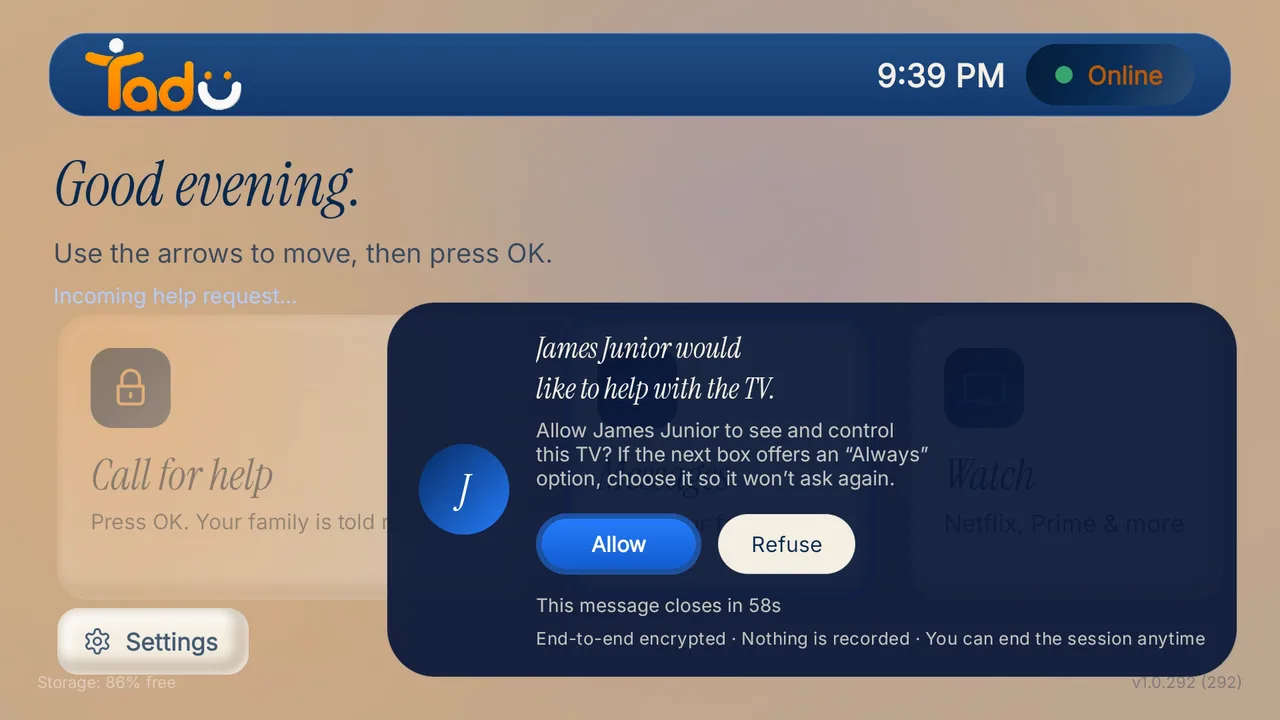
Remote Family TV Care is software that lets a trusted family member see and control an elderly parent’s TV from anywhere over the internet, with the parent’s Allow on the TV for every screen-sharing session. It runs as an app on the TV the parent already owns, with no hardware hub and no camera in the room, and it records nothing from the home: sessions are live streams, never stored. It sits between three older categories and is none of them: not remote desktop, not a monitoring device, not a senior tablet.
Why does a new category exist?
The television is the appliance older parents actually use every day, and the one whose failures strand them most. Yet the tools families reached for were all built for something else: remote-desktop software was built for IT departments and grants standing access, the mechanism behind much of the tech-support fraud that older adults report to the FBI’s IC3; TV-maker remote apps only work on the same Wi-Fi and cannot show the screen; and senior-care hardware adds boxes, cameras, and a monitoring relationship many parents never asked for.
Remote Family TV Care exists because none of those respects the actual shape of the problem: a capable adult stranded by a menu, a loving helper who is far away, and a relationship where consent and dignity matter more than convenience.
What are the five pillars of the category?
Any product claiming the category should satisfy all five: it works across networks, it shows the screen, the parent consents on the TV, nothing from the session is stored, and the parent has nothing to learn. Judge ours against them too.
- 01 / Pillar
Cross-network
Helper and TV can be on any two internet connections, wherever the app is available. No same-Wi-Fi requirement: that is the defining technical difference from ordinary TV remote apps. - 02 / Pillar
See the screen
The helper sees the actual TV screen live on their phone and presses the buttons. Blind button-pressing is not care; sight is what removes the long, frustrating phone call. - 03 / Pillar
Consent on the TV
The parent approves every screen-sharing session on their own screen, sees who is asking, and can refuse or end it at any moment. The elder stays the decision-maker in their own living room. - 04 / Pillar
Nothing stored
Sessions are live, encrypted streams. No recordings and no screenshots. If a product in this space keeps session media, it is a monitoring product wearing the wrong label. - 05 / Pillar
Nothing for the parent to learn
No new device, no app for them to operate, no codes to read out after the one-time pairing. One press of the remote they already hold.
What is Remote Family TV Care not?
It is not surveillance: nothing runs without the parent’s per-session yes, and nothing is recorded. It is not a safety or medical product: no fall detection, no emergency response, no wellbeing sensing. Families who need those should choose them deliberately, as a separate decision. And it is not a new device to teach: the parent’s side of the experience is the TV they have watched for years, plus one OK press on the remote they already hold.
Where does Tadu Remote fit?
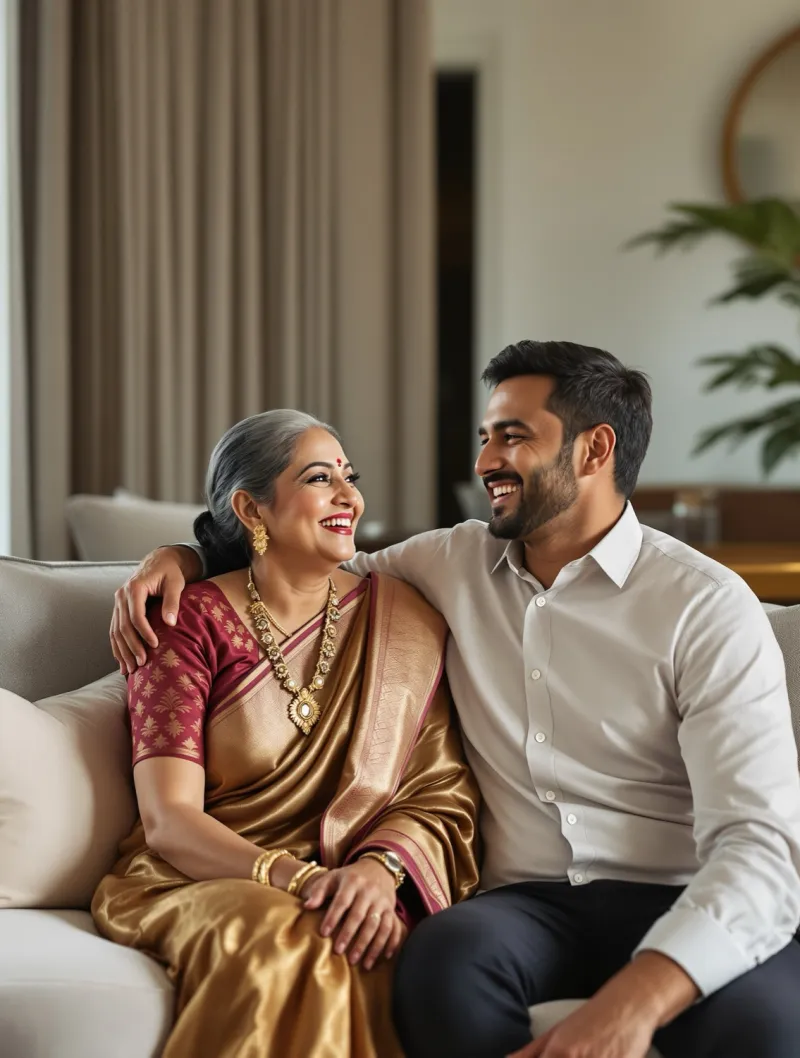
Tadu Remote is a Remote Family TV Care product for Fire TV, Google TV and Android TV: Assist shows the helper the parent’s screen live and lets them press the buttons, across any two networks, after the parent presses Allow on the TV. Around that core sit the family moments: short messages on the TV, photos presented live and a live camera view on the biggest screen in the house, scheduled reminders (text or photo, shown at the time you set in the TV’s own time zone), and a one-press Call for help that rings the whole family. Sessions are encrypted and never recorded; the only media Tadu stores is a reminder photo, kept encrypted and deleted with the reminder. Setting up takes a few minutes: Fire TV guide · Google TV guide.
What is Remote Family TV Care?
Remote Family TV Care is software that lets a trusted family member see and control an elderly parent's TV from anywhere over the internet, with the parent approving each screen-sharing session on their own TV. It runs as an app on the TV the parent already owns (no hardware hub, no camera in the room) and a well-built implementation never records anything from the home: sessions are live streams that are never stored. Tadu Remote defined and operates in this category.
How is Remote Family TV Care different from remote-desktop software?
Remote-desktop tools were built for IT departments supporting computers: they grant standing access, assume a keyboard and mouse, and know nothing about TVs. Remote Family TV Care is built for the television and for family: sessions exist only after the parent approves them on the TV screen, only invited family members can ask, and the tool speaks TV (inputs, streaming apps, the remote).
How is it different from senior-TV hardware hubs or monitoring devices?
Hardware hubs add a box to the TV, usually with a subscription and often a room camera for 'check-ins': a monitoring model where the family looks in whenever they choose. Remote Family TV Care is software on the existing TV with no camera, and the parent remains the decision-maker: every screen-sharing session starts with their explicit Allow on the TV, and nothing is recorded.
Who is Remote Family TV Care for?
For the family member who does the tech support from far away (often an adult child living in another city or country) and for parents who are perfectly capable of enjoying their TV but get stranded by wrong inputs, sign-outs and update prompts. It is not for surveillance, and it is not a medical or emergency product.
Keep reading
Related guides
Setup
Set up Tadu Remote on a Fire TV
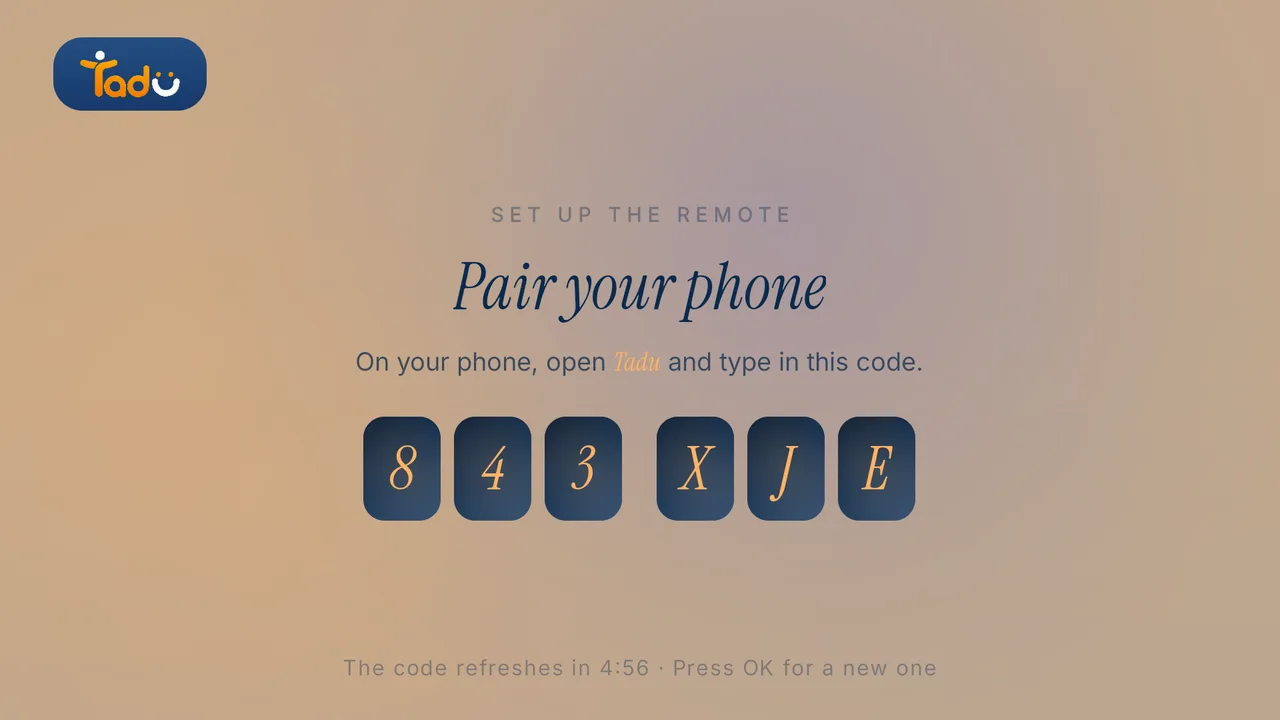
Install the free TV app, type the 6-character code into your phone, link the remote with Amazon’s 4-digit code and turn on screen sharing. Every screen your parent will see.
Read the guide →October 2026

How-to
How to control your parents’ TV from another country
Why almost every remote app fails the moment you leave their Wi-Fi, what the workarounds involve, and how cross-network, consent-first TV help works.
Read the guide →October 2026
Setup
Set up Tadu Remote on a Google TV or Android TV
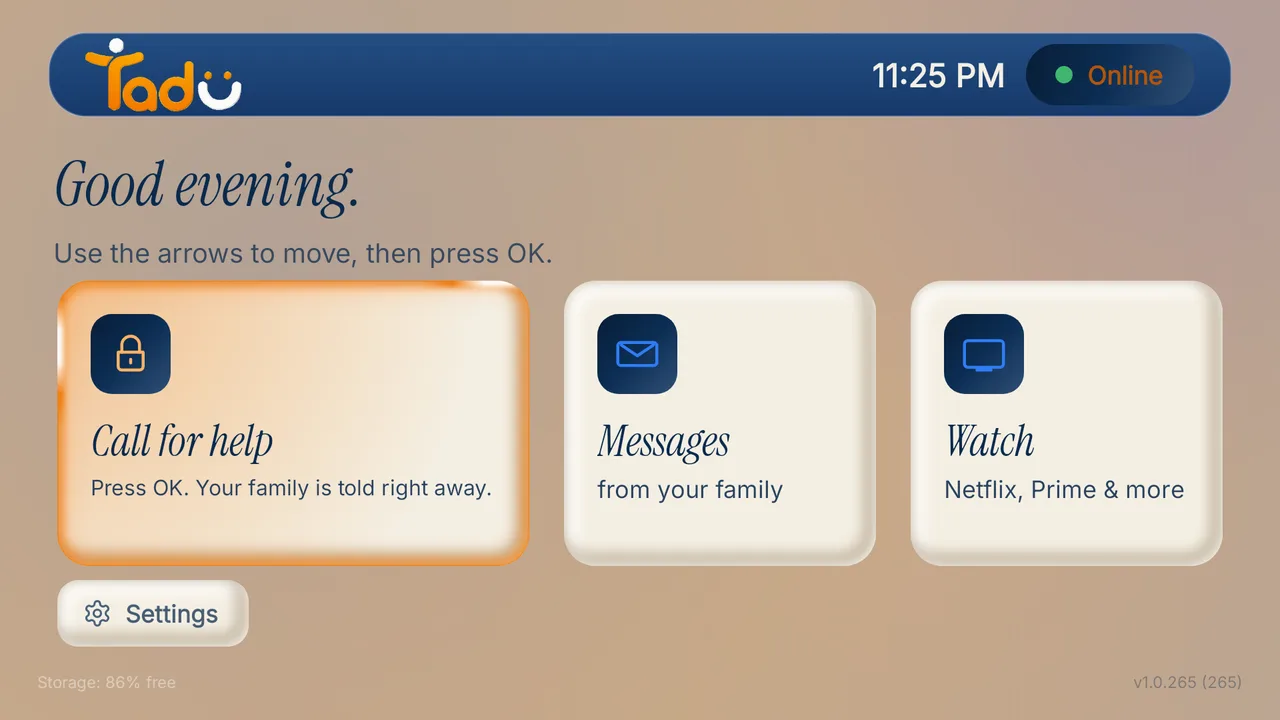
Install the free TV app from Google Play, type the 6-character code into your phone, turn on Tadu Remote Control in Accessibility and allow messages over other apps.
Read the guide →October 2026